Chiropractic first visit
$49
- Consultation
- Full exam and movement screen
- First chiropractic treatment
Hours at a laptop pull your head forward and load the neck. Here is the desk setup, the daily exercises, and the warning signs our Carlsbad team uses with office workers from the Palomar Airport business corridor.
If your neck aches by mid afternoon and your shoulders creep toward your ears on video calls, you are not alone. Desk related neck pain is one of the most common reasons office workers book at our Bressi Ranch office.
The good news is that tech neck usually responds well to a few setup changes and a short daily routine. Here is what to change and when to get help. If neck pain now travels into your arm with tingling in the fingers, read our guide to a pinched nerve in the neck.
Ready to get checked? See our neck pain treatment in Oceanside page or the new patient special offers.
Quick answer
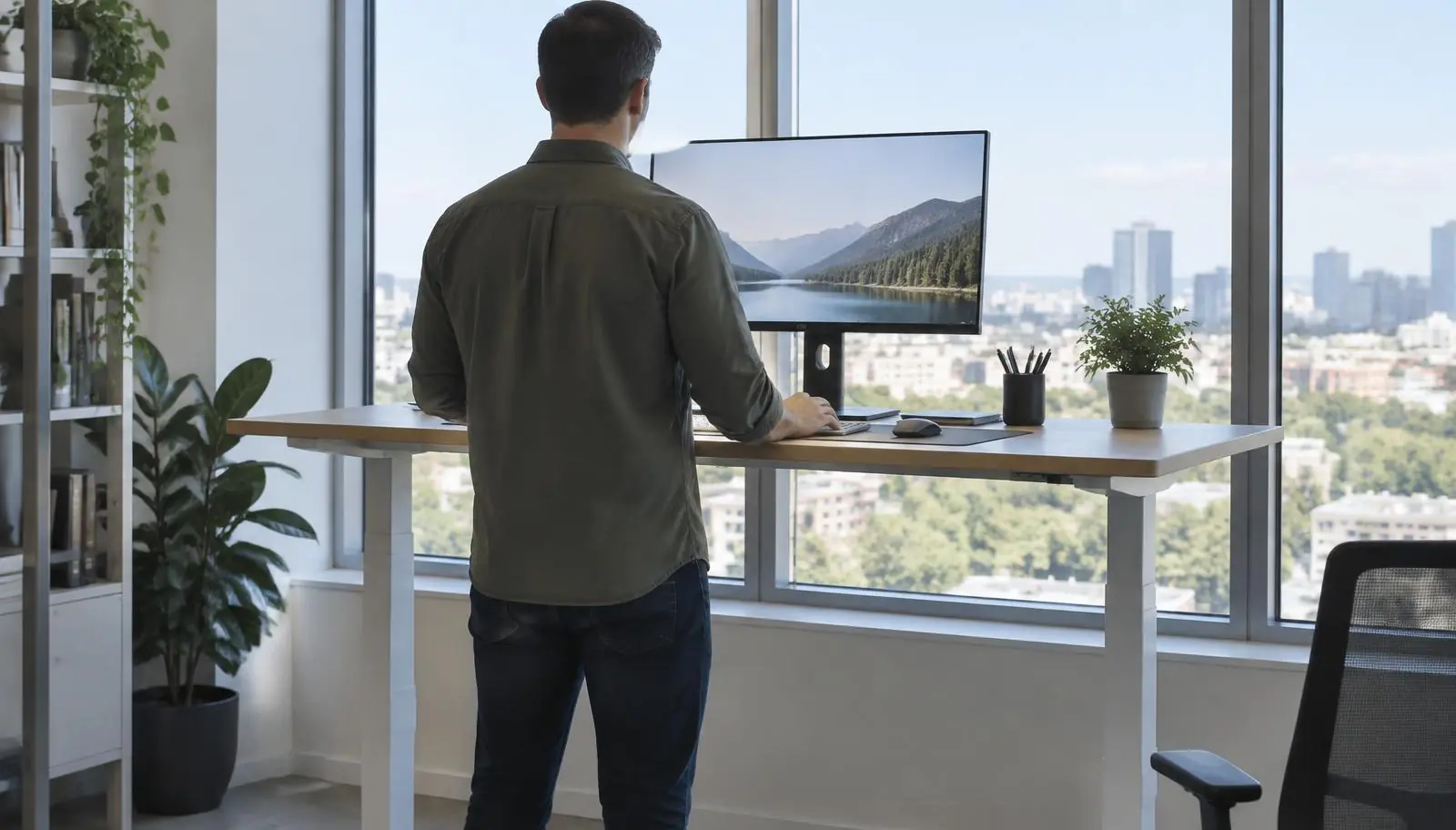
Tech neck is neck and upper back pain from holding your head forward while looking at screens. Fix it by raising your monitor so the top is at or slightly below eye level, keeping it about an arm's length away, taking a movement break every 30 minutes, and doing chin tucks and shoulder blade squeezes daily.
Key takeaways
Tech neck describes neck, shoulder, and upper back pain from long periods of looking down or forward at screens. As the head drifts forward, the muscles at the back of the neck and between the shoulder blades work harder to hold it up. Over hours, those muscles tighten and fatigue, the small joints of the neck stiffen, and the chest muscles shorten. Common results are aching, headaches at the base of the skull, and reduced range of motion.
Chiropractic first visit
$49
Shockwave first visit
$75
New patients only. Same-day first treatment when appropriate. Personal injury and auto accident claims are billed on lien instead. Available at both offices. See details
| Setting | Target |
|---|---|
| Monitor height | Top of the screen at or slightly below eye level |
| Monitor distance | About an arm's length away |
| Laptop | Raise it on a stand and use an external keyboard and mouse |
| Keyboard | Close enough that elbows stay near your sides, bent about 90 degrees |
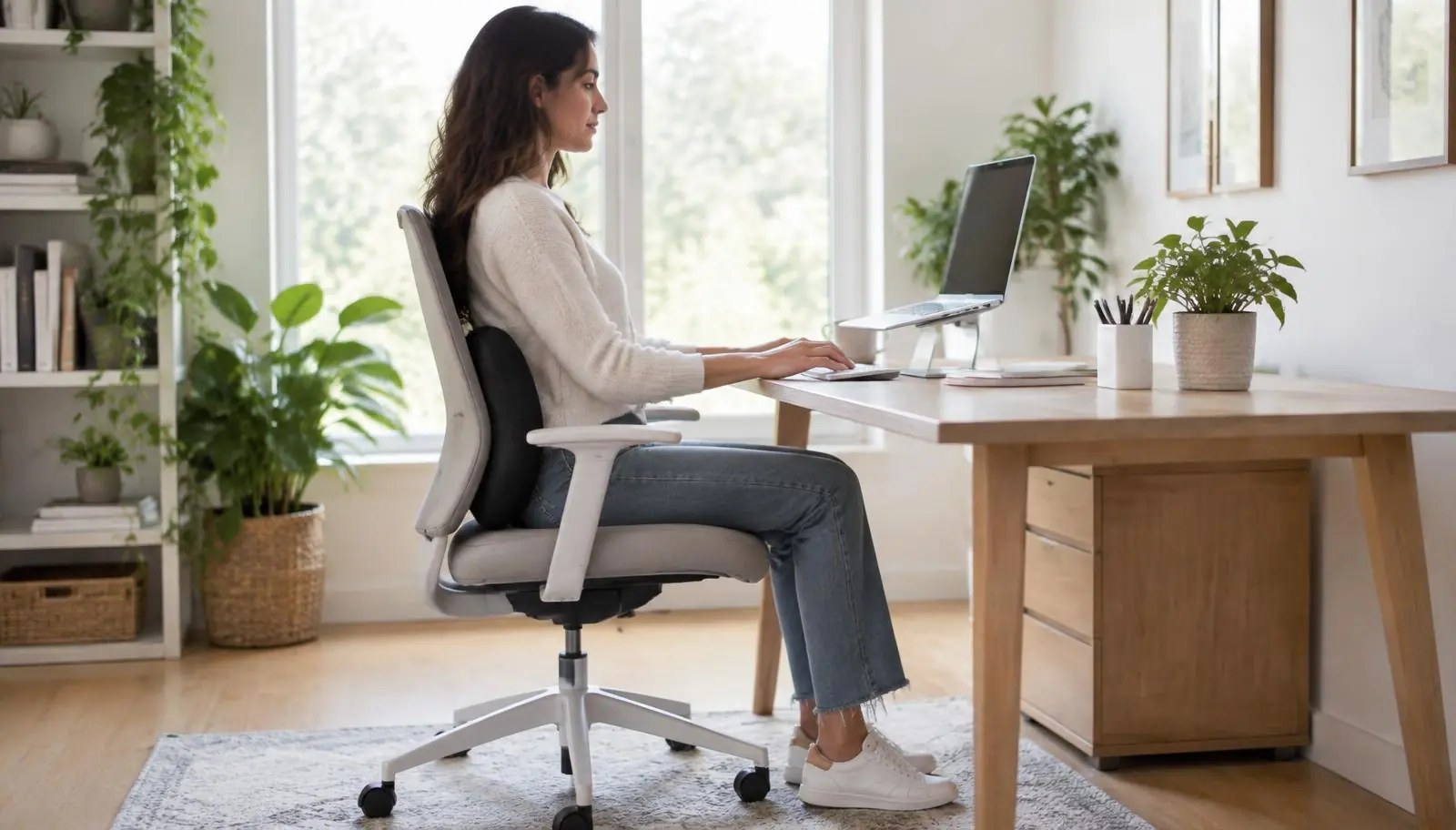
| Chair | Feet flat, hips slightly above knees, lower back supported |
| Phone | Hold it up to eye level instead of looking down |
Even a perfect setup causes pain if you hold it for hours. Stand, roll your shoulders, and look away from the screen every 30 minutes. For your eyes, the 20 20 20 rule helps: every 20 minutes look at something 20 feet away for 20 seconds (American Optometric Association).
Stop any exercise that causes sharp pain or tingling into the arm.
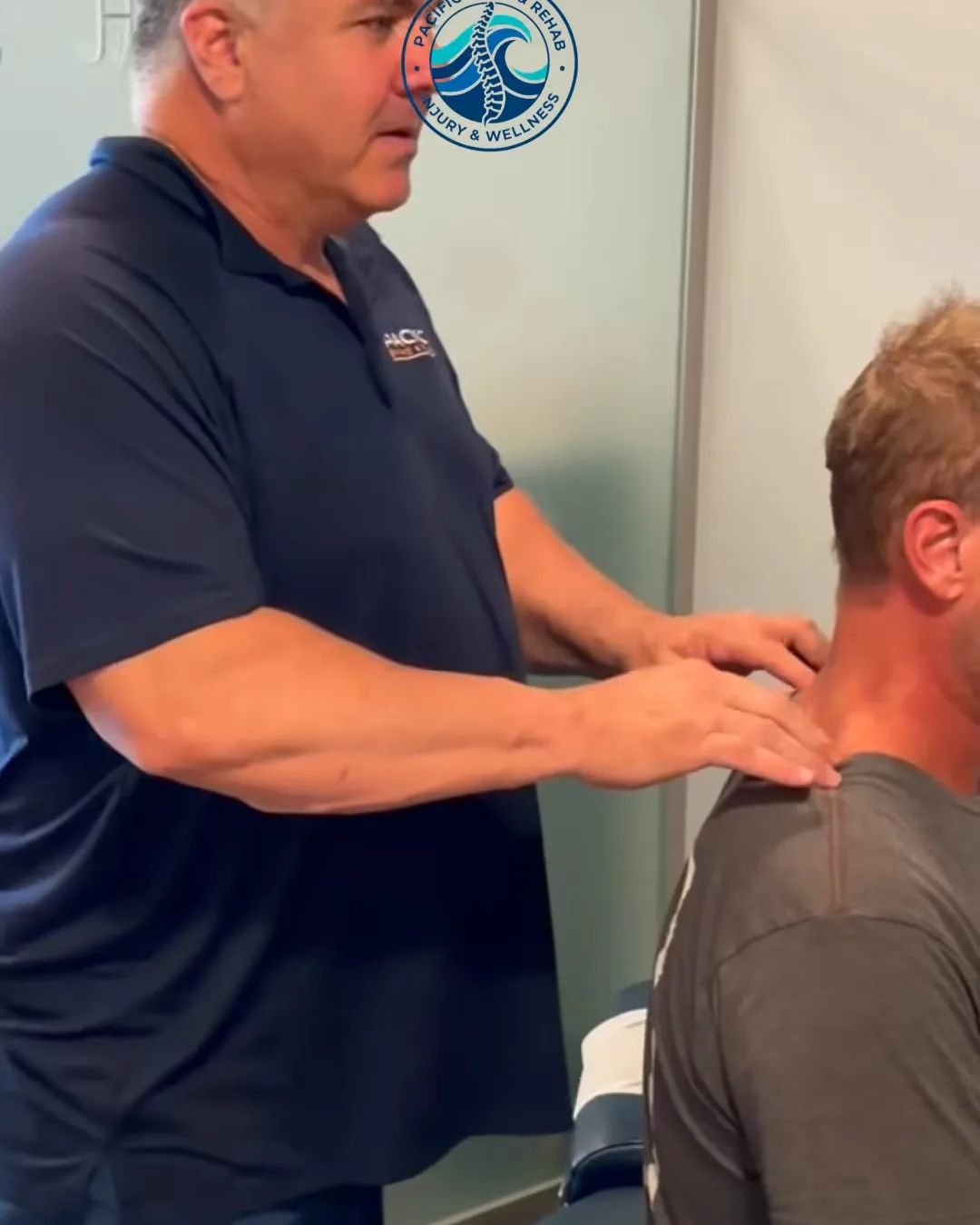
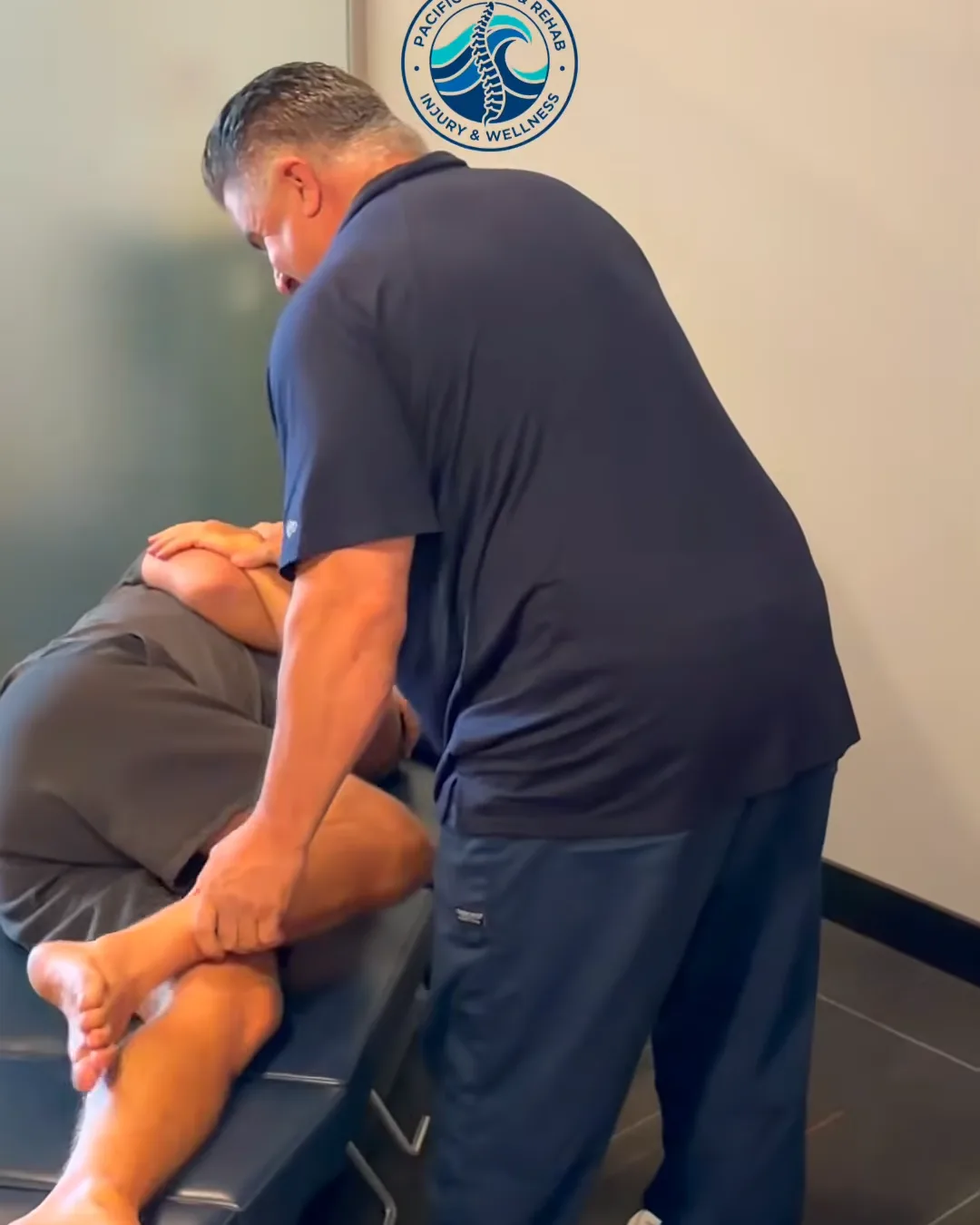
Our Carlsbad office in Bressi Ranch holds 30 minute adjustment slots between 11:30 and 1:30 for nearby office workers. Care usually combines gentle adjustments, soft tissue work, and corrective exercise so the fix lasts. See our neck pain page or visit the Carlsbad office. Oceanside patients can book at our Vista Way office.
For most people, yes. Better screen height, regular movement, and daily strengthening usually reduce pain within a few weeks. Stiffness from years of posture takes longer.
Many people feel better in 2 to 4 weeks with setup changes and exercises. Persistent cases improve faster with chiropractic care and guided rehab.
Only if the screen is still at eye level. Alternating between sitting and standing helps because it keeps you moving.
Yes. Tight muscles at the base of the skull commonly cause tension headaches that wrap toward the forehead.
Chiropractic adjustments and soft tissue work can restore neck motion and ease pain, and a rehab program strengthens the muscles that hold good posture.
Same-day appointments
Get an exam, a diagnosis, and a written plan — two North County offices, treatment on lien for injury cases.
Written by
Dr. Peter Thompson, DC
Doctor of Chiropractic
Dr. Peter Thompson is a doctor of chiropractic at Pacific Spine & Rehab, which has offices in Oceanside and Carlsbad (Bressi Ranch). He writes about back and neck pain, sports injuries, shockwave therapy, and recovery after auto accidents.